Leads are scattered
You've got leads split across a spreadsheet, your inbox, and a few sticky notes nobody else can find.
Custom CRM
A CRM built around how you actually track leads and clients, not how a big platform thinks you should.
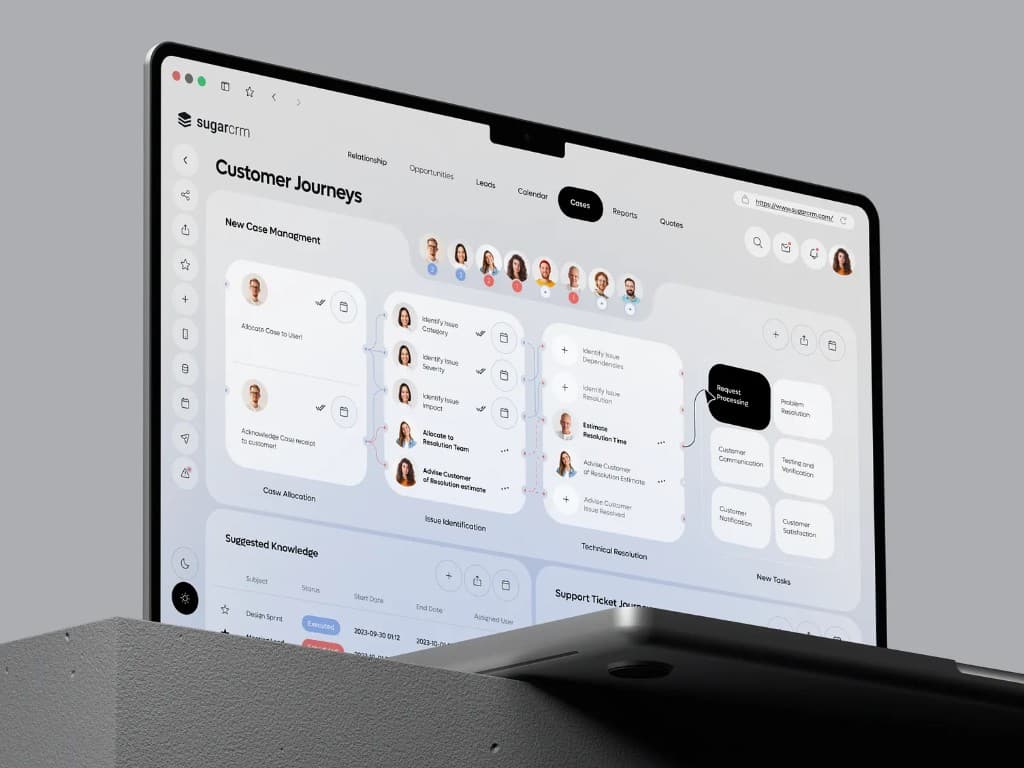
Custom CRM dashboard mockup
You've got leads split across a spreadsheet, your inbox, and a few sticky notes nobody else can find.
Your team asks "did we follow up with them yet?" more than you'd like to admit.
You tried a big CRM platform and now you're paying for a hundred features you don't use, and still doing half the work by hand.
Every new hire needs a week just to learn where things live.
Stages, fields, and handoffs mirror your real process instead of a generic pipeline template.
Automatic follow-up prompts so nobody has to ask "did we get back to them?" again.
Inbox, spreadsheet, and sticky notes collapse into a single source of truth everyone can trust.
You pay to build what you need. No monthly per-seat fees for features your team will never open.
vs. platforms
Off-the-shelf CRMs make you adapt your process to their software. This gets built around your process, so your team already knows how to use it on day one.
No cost per teammate
Full control and flexibility
Own it — keep, expand, sell
// Built around how you work, not the other way around
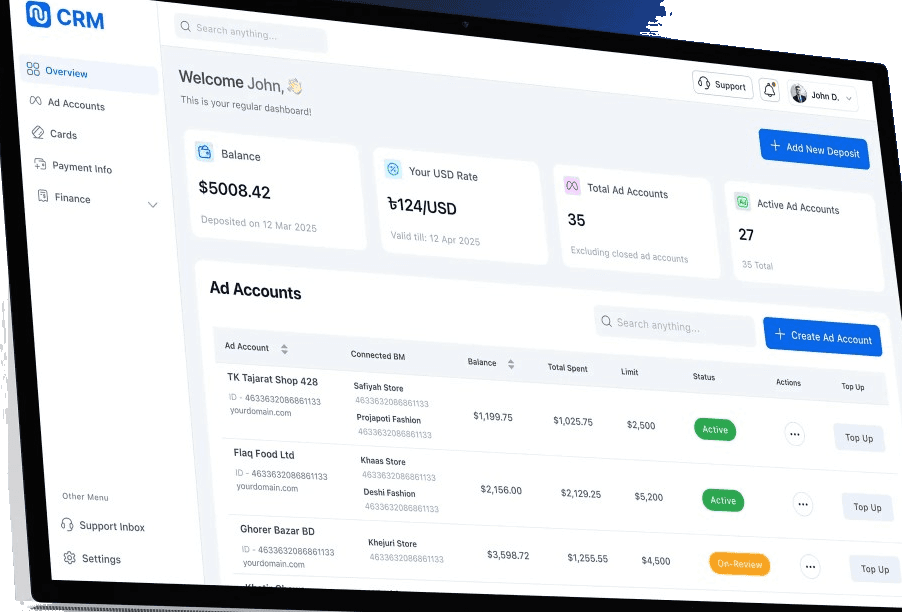
A real build in this category, not a hypothetical.
Blox CRM caller dashboard
BetaBlox
BetaBlox's Discovery Caller team was running hundreds of conversations off a shared spreadsheet. No per-caller privacy, no tie-in to how they actually pay the team, and no protection against retroactive status changes.
We replaced the spreadsheet with a purpose-built CRM that pulls Calendly bookings automatically, gives each caller a private daily dashboard, and gives admins full oversight across the team.
We start by mapping how you track leads today, then scope a CRM around that process, not a generic template.
We map how you work today and what a first win looks like. No package to pick on this call.
When the path isn't obvious, we prove the direction with a focused click-through before a full build.
We scope the build, set a clear timeline, and ship something your team can run on day one.
If it's working, we stay on week to week: ship what's next, fix what breaks, keep improving.
Yes. Most custom CRMs need to talk to what you already run: Calendly or other schedulers, email, spreadsheets you still need for reporting, Stripe or payment tools, and sometimes Shopify or an existing marketing platform.
Common, straightforward integrations include Calendly, Google Workspace (Sheets, Gmail), Slack, Stripe, and HubSpot or Mailchimp when you already have a list there. If you have a quirkier stack, we map that on the first call and tell you what's easy vs. what adds scope.
Those platforms are built for companies that can afford to adapt their process to the software, including seats and features they may never use. If your team already has a way of working that works, a custom CRM is built around that instead of forcing a migration into someone else's workflow.
You still get the outcomes you care about: one source of truth, follow-ups that don't get lost, and visibility for the people who need it. You skip the bloat and the three-month implementation project.
It depends on how specific your process is and what needs to integrate on day one. Many spreadsheet-replacement CRMs land a usable first version in a few weeks of focused work, then tighten from real team feedback.
On the first call we'll sketch a realistic range for your situation before you commit.
You do. It's your codebase, your hosting, your data. You're not renting a seat in my product. If we keep working together in Orbit, I maintain and extend it with you. If we don't, you still have the software.
We'll map how you track leads today, what a custom CRM should replace, and how we'd start building.
Talk through the spreadsheet mess. Get direction. Leave knowing what to do next.